- #LLHOST
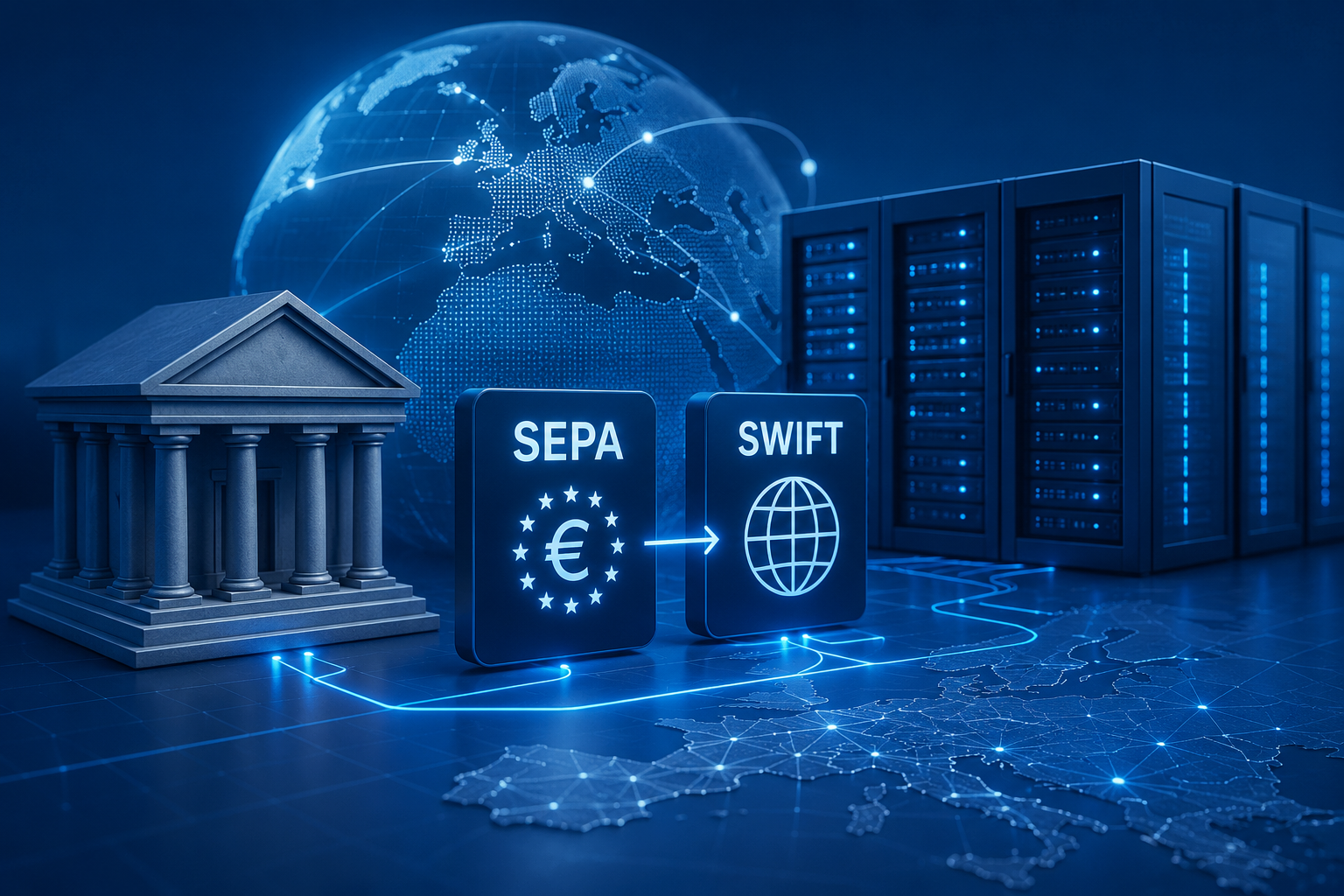
Updated Bank Details for SEPA and SWIFT Payments
We have updated the bank details used for receiving payments by SEPA and SWIFT transfers.
This change applies to customers who pay LLHOST invoices manually by bank transfer. If you pay by card, cryptocurrency, or another payment method available in the billing panel, no action is required.
For all new SEPA and SWIFT payments, please use the current bank details shown in the billing panel or in the payment instructions for your invoice.
If LLHOST bank details are saved in your online banking, accounting system, or payment templates, please update them before your next payment.
Before sending a bank transfer, we recommend opening the current invoice in the billing panel and checking the payment details again.
Important points:
- Use the new bank details for all future SEPA transfers.
- Use the new bank details for all future SWIFT transfers.
- Check the bank details in the current invoice before sending a payment.
- Include the invoice number or service reference in the payment description when possible.
If you are not sure which bank details to use, or if you want to check the status of a payment, please open a ticket in the billing panel.
In your request, include the invoice number, payment amount, payment date, and sender name. This helps us check the transfer and assign it to the correct invoice faster.
For all new SEPA and SWIFT transfers, please use only the current bank details from the LLHOST billing panel.
Recent articles
Providing unlimited traffic to keep.